From a hum
Hum or sing into notes and a beat. Or skip the mic and produce: pick a starter, write the grid, arrange the bars, and mix. Both stay in this browser.

Two ways to start
Same workspace either way
From the session
One idea, three parts
When you start from a recording
Sound
Lyrics
stay with me tonight
Beat
The product
Not a blank timeline.
Your recording arrives as something you can already play, understand, and shape.
- 01Move the melody
Drag notes to change pitch or timing.
- 02Rewrite the rhythm
Tap the step grid and humanize the feel.
- 03Build the form
Turn the motif into sections and variations.
Humanizer StudioLOCAL PROJECT
Late night idea100 BPM · C MINORSAVED
ARRANGESOUNDLYRICSBEAT
BARS12345678
Voice
Beat
Bass
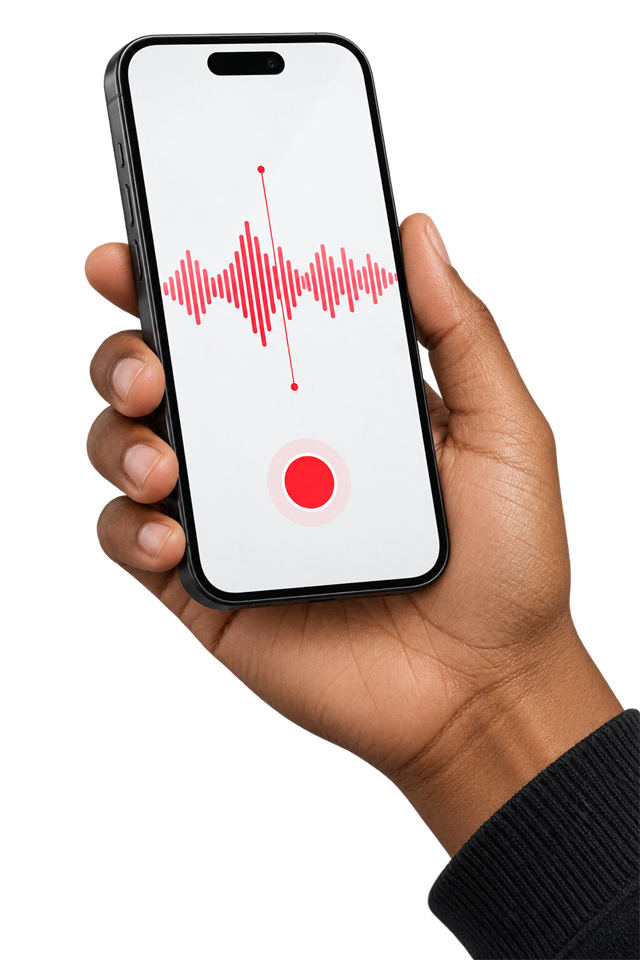
Start anywhere
The voice memo counts.
Use the microphone now or bring the idea you caught earlier. The same pitch, rhythm, and arrangement tools are waiting on the other side.
Sing it liveSet tempo, count in, and capture the take.
Bring the fileUpload the voice memo already on your device.
How a song starts
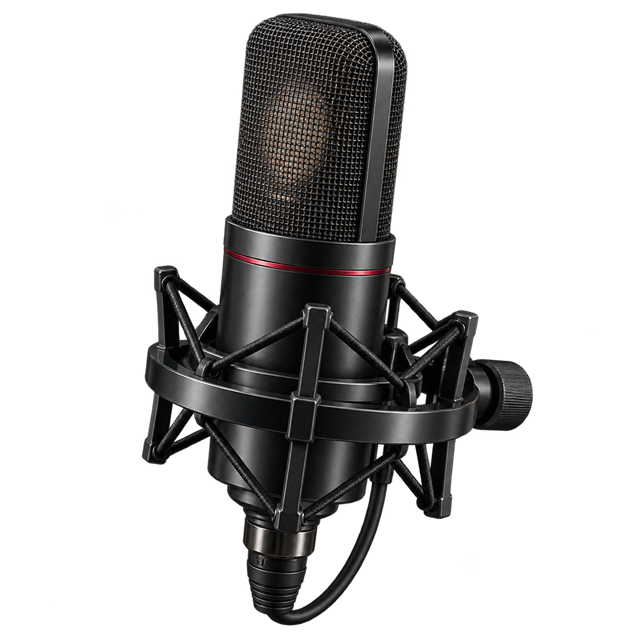
Record
Set a tempo, count in, and sing. Or drop in a voice memo.
Split
The take opens as editable sound and beat patterns, with lyrics ready to shape.
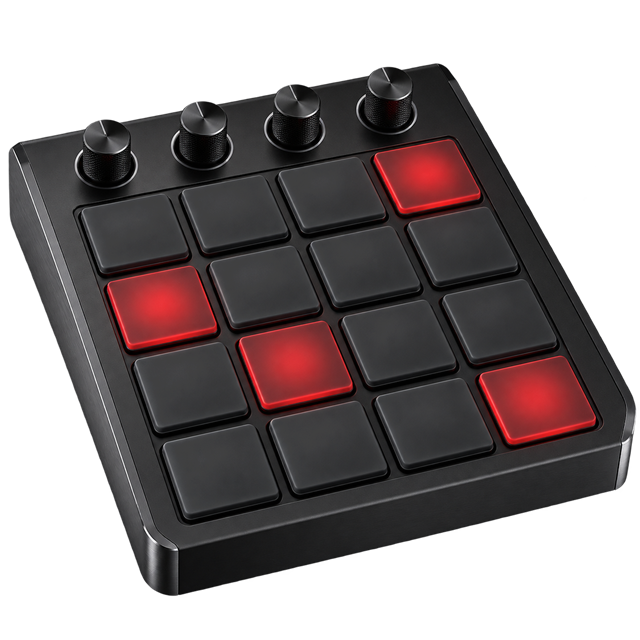
Arrange
Each bar is empty, drums, sound, or both. Build the form from there.

Deliver
Mix the tracks, then export WAV, MIDI, stems, or a share pack.
Take it with you
Keep the session. Take the files.
Finish here or move into the rest of your workflow with aligned, useful exports.
WAV MIXMIDISTEMSSHARE PACK
Browser basedNO INSTALL REQUIRED
Local by defaultPROJECTS STAY ON DEVICE
DAW readyWAV, MIDI, AND STEMS
Start from either side.
Hum the idea, or open a session and produce the beat. Shape the rest once you can hear it.
Projects
Pick up where you left off, or start from a voice or a session.
Start producing
Open a blank session, or start from a beat you can already play. A voice can come in later.
Sing an idea
Hum or sing. The mic follows how it sounds.
MIDI: idle
Allow microphone access when asked, then sing or hum.
Splitting your idea
One recording, three parts you can edit.
Sound
Lyrics
Reading the words
Beat
Pitch
Gray is rejected, black is raw pitch, red is an octave fix, bars are the melody
Tracks
Volume, mute, and solo
Arrangement
Click a bar to cycle: empty, drums, sound, both
Sound
Double-click empty space to add a note. Click a note for its word. Drag it to change pitch or timing. Delete removes the selected note. Record adds a take. Punch replaces the selected note. Split, join, and trim edit the waveform.
Lyrics
Words line up with the melody notes
Beat
Tap steps to draw your own
Expand the hum
The hum stays the motif. These controls only decide how far it goes.
Producer log
Producer
Deeper controls for the song you are already writing.
1.1.1